The graph tracks image dependencies: changing an input invalidates downstream crops. Cropping runs locally in your browser.

Image Suite Lite
+ Add node
Image
⋯
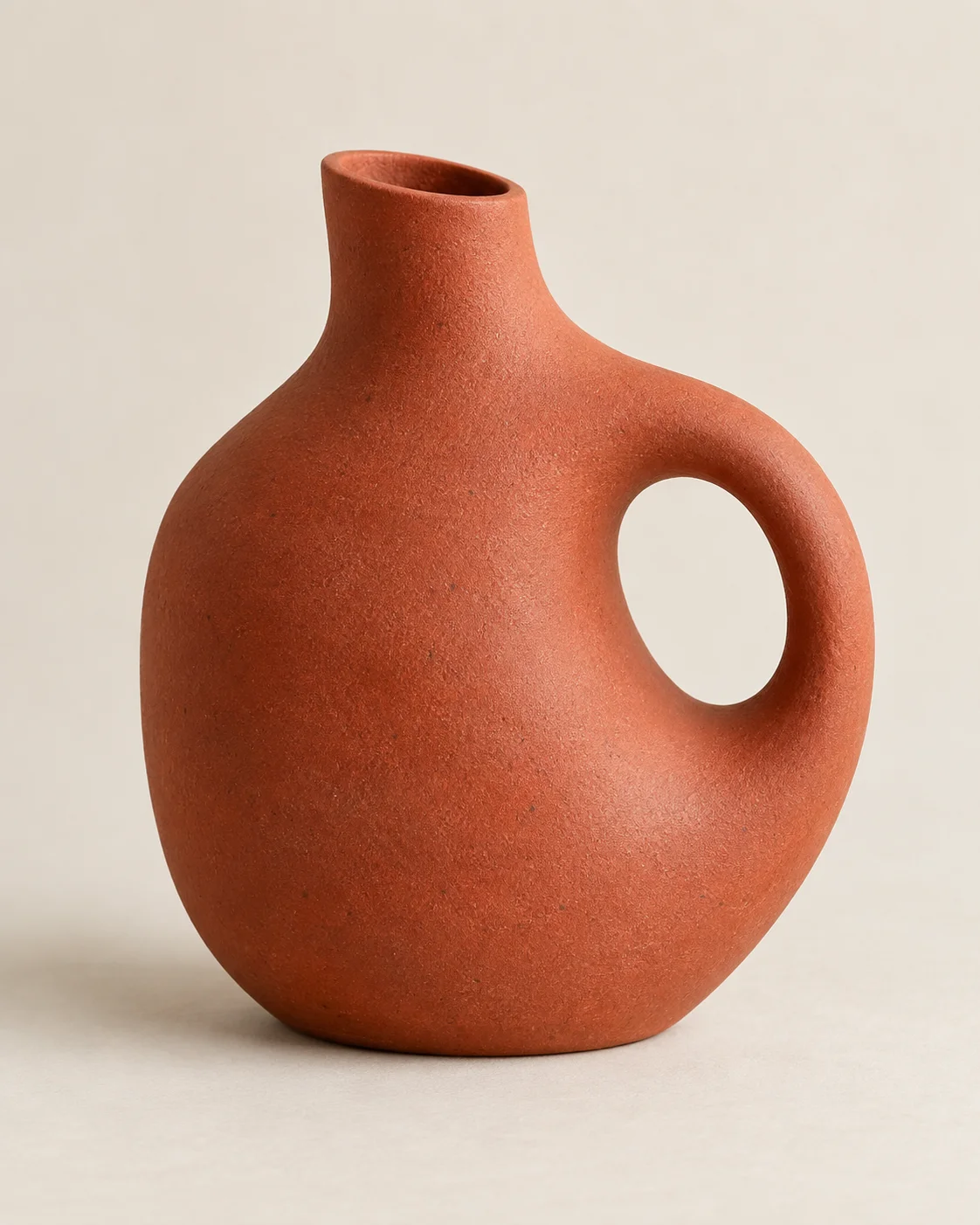
Terracotta ceramic vase with a circular handle on a warm ivory background.
Direction
⋯
Subject
⋯
Process
⋯
Inputs 3
  • Image
  • Direction
  • Subject
Output
⋯
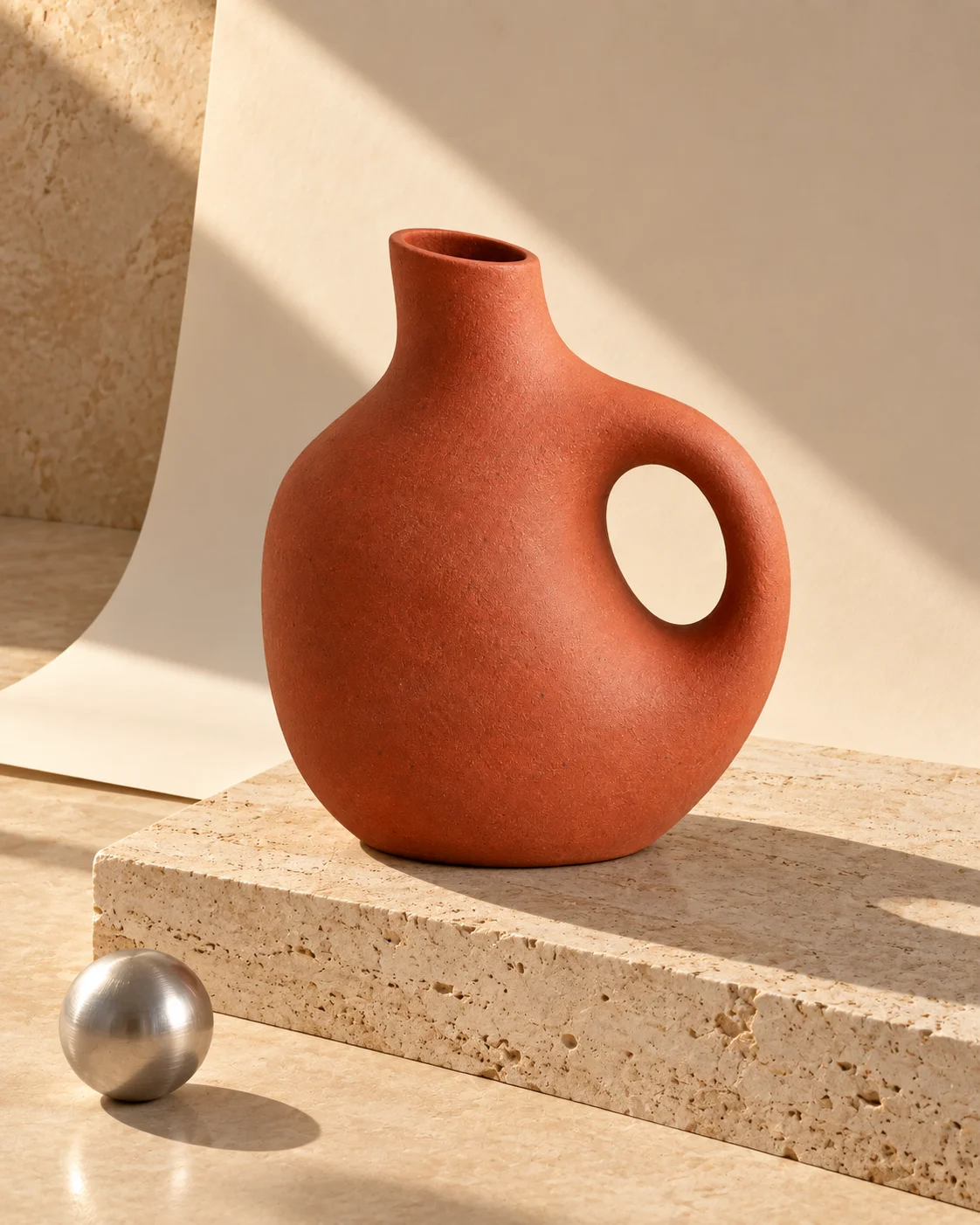
Terracotta vase on a travertine plinth, with a curved paper backdrop and an aluminium sphere in warm sunlight.

Example image

Download ↓
Inputs 1
  • Process

Example workflow loaded.

?

Drag the pill above a node to move it. Drag the canvas to pan. Connect an output dot to an input dot, or click each in turn.

Use arrow keys on a grab handle to move its node, or on the canvas to pan. Use Ctrl or ⌘ and scroll to zoom.

Back to launcher